
10 Best Negative Keyword Tools for Google Ads in 2026

You’re wasting money on irrelevant search queries in your Google Ads account and probably don’t even realize it. As marketers have started adopting broad match, AI-powered query matching, and PMax campaigns that obscure exactly where your dollars are going, negative keyword management has become more important than ever.
The problem is that digging through search term reports is awful. Any Google Ads account that’s paying for clicks is generating thousands of search queries every month. It takes hours of painstaking work just to review those searches and identify which terms should be negated. That’s why specialized tools have emerged to automate and simplify this process for you.
This article compares and ranks the best negative keyword tools of 2026. We cover everything from AI-driven apps that connect directly to your Google Ads account to free tools that simply spit out lists of negative keywords for you to copy/paste. These are our 10 favorites, ranked by how automated and useful they are.
Quick Comparison: Best Negative Keyword Tools
1. Cascader
Website: cascader.io
Best for: Automated wasted spend detection with AI-powered explanations + one-click application
Pricing: Paid plans for connected accounts; free scan available on landing pages
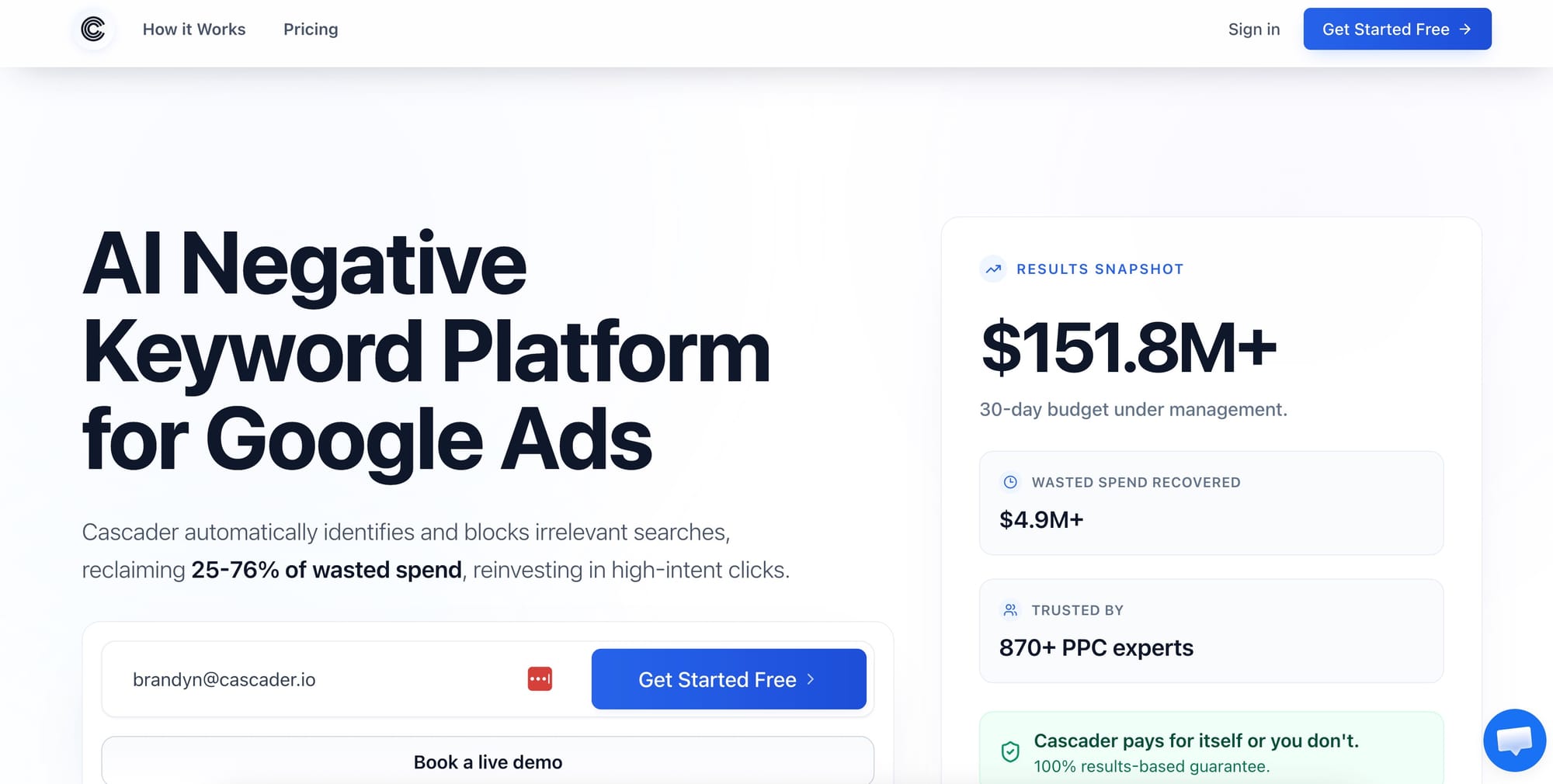
Taking a fundamentally different approach to negative keyword management, Cascader connects to your Google Ads account, analyzes your search terms, and highlights wasted spend directly from your search terms report with clear explanations as to why each query is burning money.
Instead of handing you a spreadsheet of keywords to sift through yourself, Cascader’s scan-review-apply workflow saves you time and effort. Choose an account and campaign (or all campaigns), run a scan, and watch as Cascader instantly surfaces wasteful search terms ordered by dollars wasted. Each suggestion includes an easy-to-understand explanation of why the search query is being recommended as a negative so you have proper context when making decisions. No more guessing or second-guessing! Approve any (or all) and they’re applied to your campaigns, ad groups, or shared lists with one click.
Teams running large volumes of traffic can also schedule scans directly in Cascader so maintaining negative keyword hygiene becomes weekly routine instead of a painful quarterly process. The tool runs in read-only mode by default then only applies suggestions to your Google Ads account when you say so. This “safer” approach is how Cascader has been able to break through the trust barrier that’s held back so many advertisers from using automation tools in the past. All changes pushed to your account sync with Google Ads’ native change history for full transparency.
Key features: AI-powered wasted spend scanner, plain English explanations for recommendations, one-click apply to campaigns/ad groups/lists, scheduled recurring scans, forced read-only mode (for safety), full sync with Google Ads change history
Ideal user: In-house marketing teams/agencies running $10K+/month in Google Ads campaigns that want fully automated ongoing negative keyword optimization but still want complete control over what gets applied
2. Optmyzr
Website: optmyzr.com
Best for: Agencies running multiple accounts under MCC that need advanced negative keyword workflows
Pricing: Starts at $249/month
Optmyzr is a full-service Google Ads management platform covering everything from campaigns to conversions. Their tools for managing negative keywords are some of the most advanced you’ll find. Their Negative Keyword Finder automatically scans your search terms across your entire MCC then highlights wasteful queries that fall below the performance thresholds you specify. It also intelligently clusters similar queries so you can identify and action upon trends much quicker than browsing through thousands of searches yourself.
The real power with Optmyzr comes with Traffic Sculptor. Think of Traffic Sculptor as advanced negative keyword recommendations. When Traffic Sculptor spots queries being matched to your less relevant keywords due to broad match or phrase match expansion, it doesn’t just recommend you add a negative. Instead, it surfaces the query then recommends adding an exact match negative to the appropriate ad group to better route those searches to the correct ads. Query sculpting is a game changer for larger accounts with significant keyword overlap. Bonus: they have an AI assistant called Sidekick that lets you identify negative keyword opportunities using natural language (like “show me wasted spend on black dresses”).
Key features: Negative keyword scanning across entire MCC, Traffic Sculptor queries to guide traffic, Sidekick AI asks questions in plain English, N-gram analysis, bulk apply negatives to campaigns/ad groups/shared lists
Ideal user: PPC agencies or enterprise teams managing 10+ accounts that need robust automation solutions covering their entire portfolio
3. Karooya
Website: karooya.com
Best for: Google Ads and Microsoft Ads negative keywords with deep n-gram analysis
Pricing: Free for accounts spending <$10K/month. Paid plans for higher volume accounts.
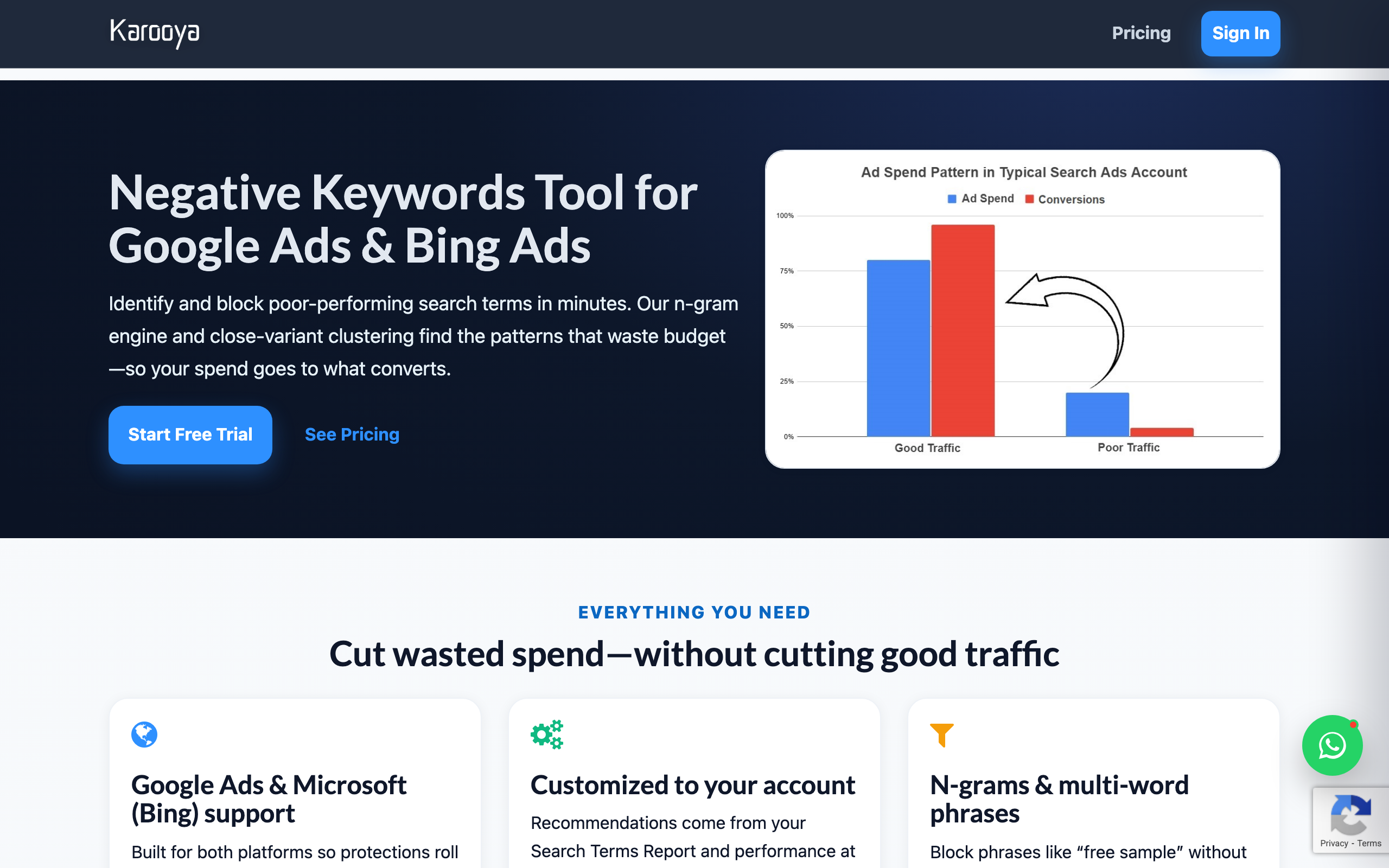
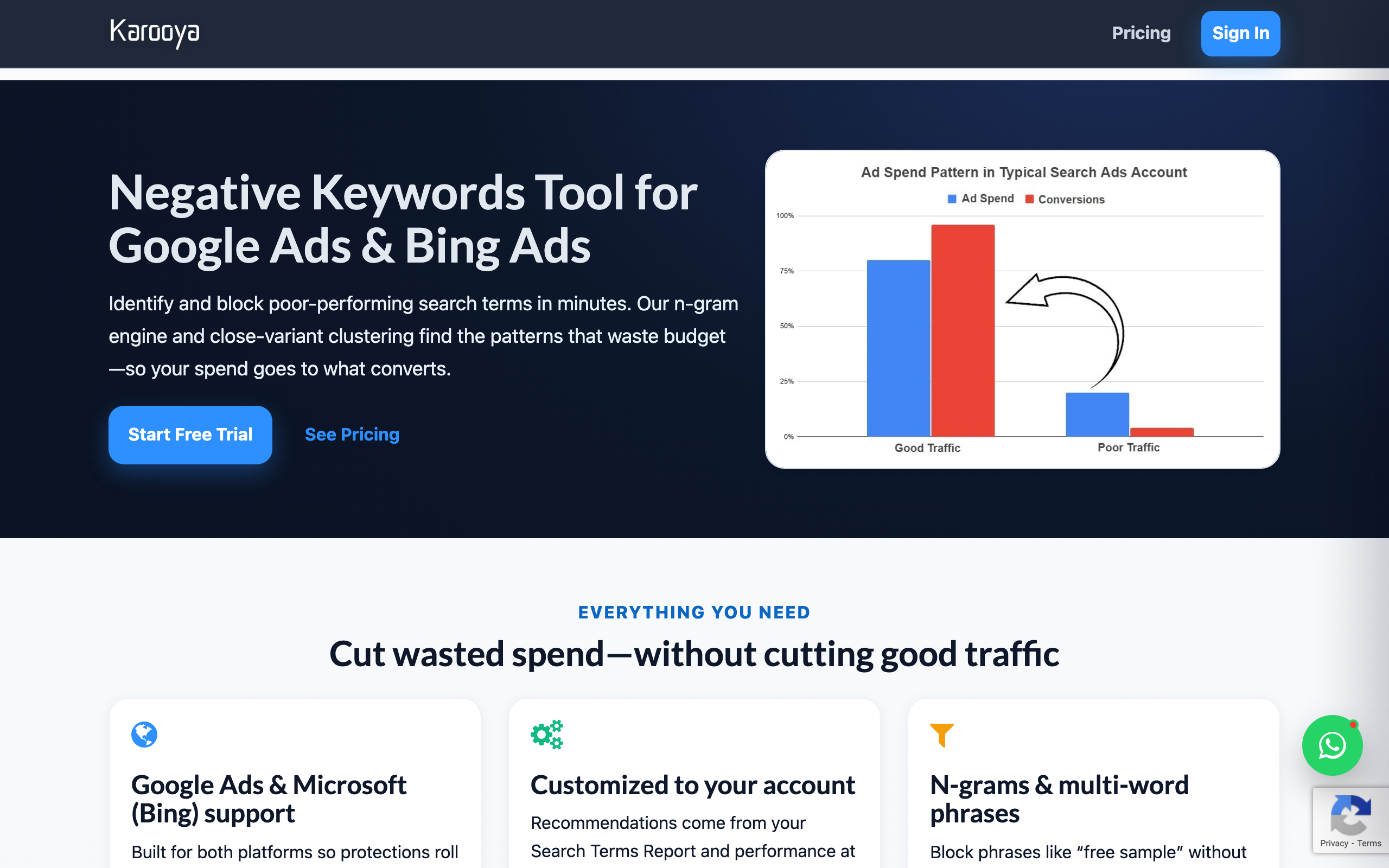
Karooya has been helping advertisers optimize negative keywords for years, which shows in their specialization. Their tool focuses on n-gram analysis and clustering similar variants of poor performing search terms to identify negative keyword opportunities based on real-world performance at the account, campaign, or ad group level.
What sets Karooya apart is their cross-platform support. While nearly every negative keyword tool only supports Google Ads, Karooya supports Microsoft Ads too. Easily maintain consistent negative keywords lists between your Google and Microsoft campaigns with the click of a button. They also surface and handle close variants, which has become critical as Google continues to improve how they match semantically irrelevant queries to your ads. Their free tier is generous enough that small-to-midsize advertisers can use Karooya even if their Google Ads spend is under $10K/month.
Key features: N-gram analysis, close variant clustering, support for Google Ads + Microsoft Ads accounts, shared negative keyword lists, performance-driven recommendations
Ideal user: Anyone running Google Ads AND Microsoft Ads who wants a single tool focused on negative keyword optimization, and doesn’t mind paying monthly once their Google Ads spend surpasses 10 grand
4. WordStream Free Negative Keyword Tool
Website: wordstream.com/negative-keywords
Best for: Quickly generating free negative keywords for new campaigns or keyword research
Pricing: Free
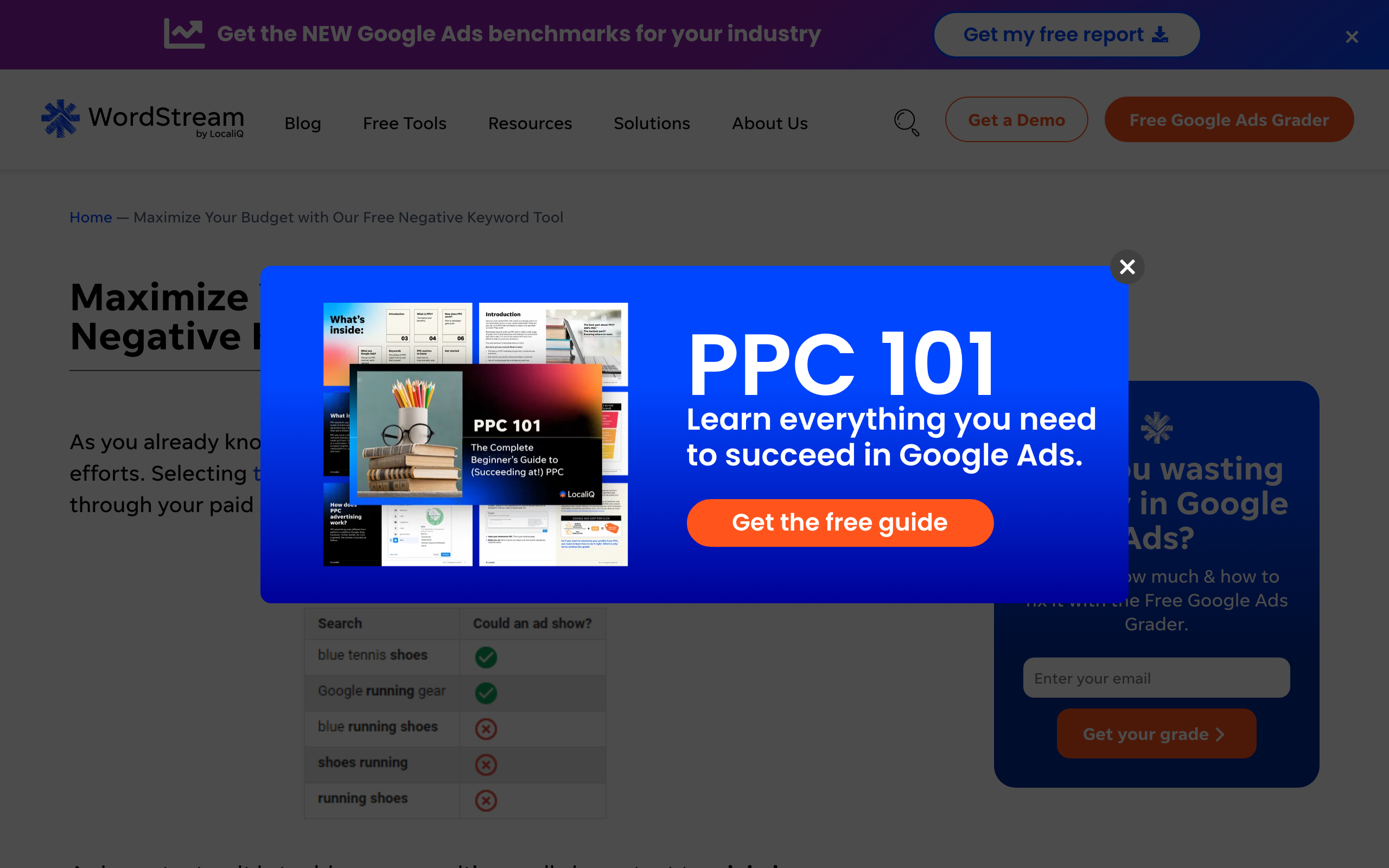
WordStream needs no introduction. If you’ve ever searched “Google Ads negative keywords generator,” WordStream’s tool was probably at the top of Google’s results. While they definitely don’t offer the most robust solution, their free tool gets the job done if all you need is to build a preliminary list of negative keywords.
Enter a seed keyword, and WordStream returns a list of related terms you can scan through to identify irrelevant queries that can be added to your negative keywords list. It’s that simple. There are no insights into your actual search terms account offered because…well…it doesn’t connect to your account. WordStream is simply a keyword research tool that helps you build your negative keywords lists before your campaigns have any performance data.
This makes WordStream best-suited for advertisers that are just launching new campaigns or entering new industries. If you need negative keywords yesterday and don’t have any data to analyze, it’s better to be proactive than spend weeks flushing budget down the drain. Start with WordStream and build yourself a baseline negative keyword list, then revisit with a tool that actually analyzes your account data once you have it.
Key features: Seed keyword-based negative suggestions, industry filtering, export lists, account audit tool
Ideal user: Building a negative keyword list for new campaigns? You.
5. Negator.io
Website: negator.io
Best for: Contextual AI classification that “gets” your business
Pricing: Paid plans
Negator does things differently than most negative keyword tools. Instead of simply parsing your search terms report for poorly performing queries, Negator first takes the time to understand your business intent.
Negator analyzes your business profile, products/services, overall keyword strategy, then uses that info to bucket queries into intent categories. Which categories are acceptable? Which ones represent wasted spend? Negator’s AI builds clusters of negative keywords that cover multiple variations of unwanted intent so you don’t have to.
This context matters. Take “free” for example. “Free” is probably waste for most SaaS businesses selling premium subscriptions. But what if your business offers free trials? Chances are “free” isn’t waste for your business. Negator won’t recommend “free” as a negative keyword because their AI takes context into account. By parsing out what your business actually offers before identifying negatives, Negator claims to cut your review time by 80% while still allowing you to maintain strategic control. The perfect tool for agencies that service multiple clients across various industries.
Key features: Business context analysis, intent-category clustering, covers semantic variations with clusters, AI-driven classification, supports multiple accounts
Ideal user: PPC professionals who are tired of rules-based keyword tools that recommend “free” as a negative for every client
6. Opteo
Website: opteo.com
Best for: Quick n-gram insights + managing negatives for Performance Max campaigns
Pricing: Starts at $129/month. Includes 14 day free trial.
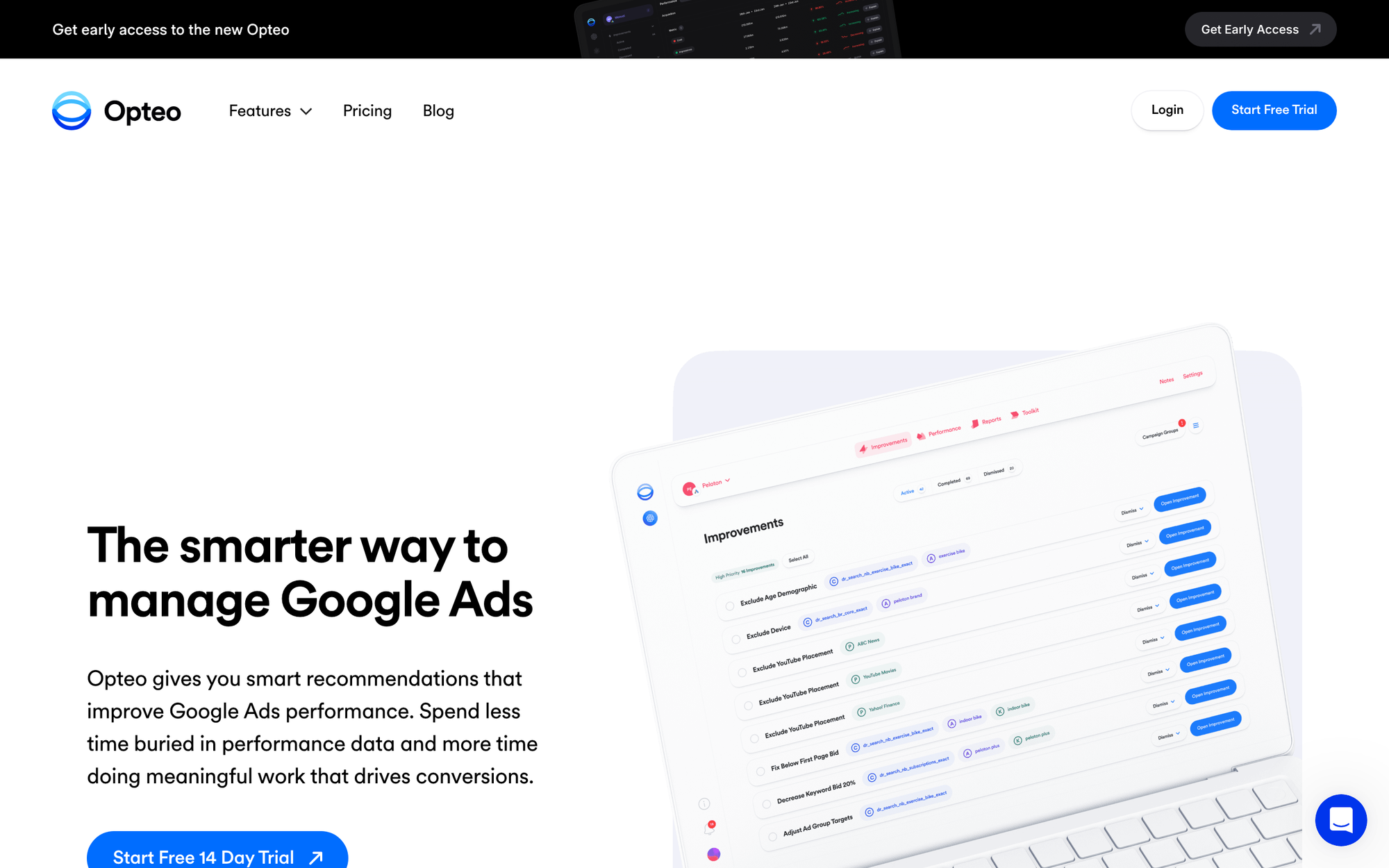
Opteo is a full-service Google Ads management tool with a powerful N-Gram Finder feature for surfacing negative keywords. After connecting Opteo to your account, their N-Gram Finder dives into your search query data and identifies common word combinations that may be underperforming or outright irrelevant to your campaigns. Once you’ve identified undesirable patterns, you can quickly create lists of negatives to apply to your campaigns.
The coolest feature with Opteo? PMax support. Since Google allows up to 10,000 negatives per Performance Max campaign, Opteo can help you identify which queries to exclude from your automated campaigns. This is especially important with PMax since you have less visibility into which keywords are performing well or not. Need more reasons? Opteo integrates natively into your Google Ads account and is part of a larger suite of optimization tools. Get bid management, ad testing, and more alongside your negative keyword insights.
Key features: N-gram analysis, supports identifying negatives for PMax campaigns, apply negatives with one click, full Google Ads optimization suite, integrates directly into Google Ads
Ideal user: You. Seriously, any advertiser would be happy with Opteo because it does so much more than just help you manage negative keywords.
7. Keywordme
Website: keywordme.io
Best for: Cleaning up search terms & applying negatives at scale
Pricing: Free 7 day trial. Paid plans available.
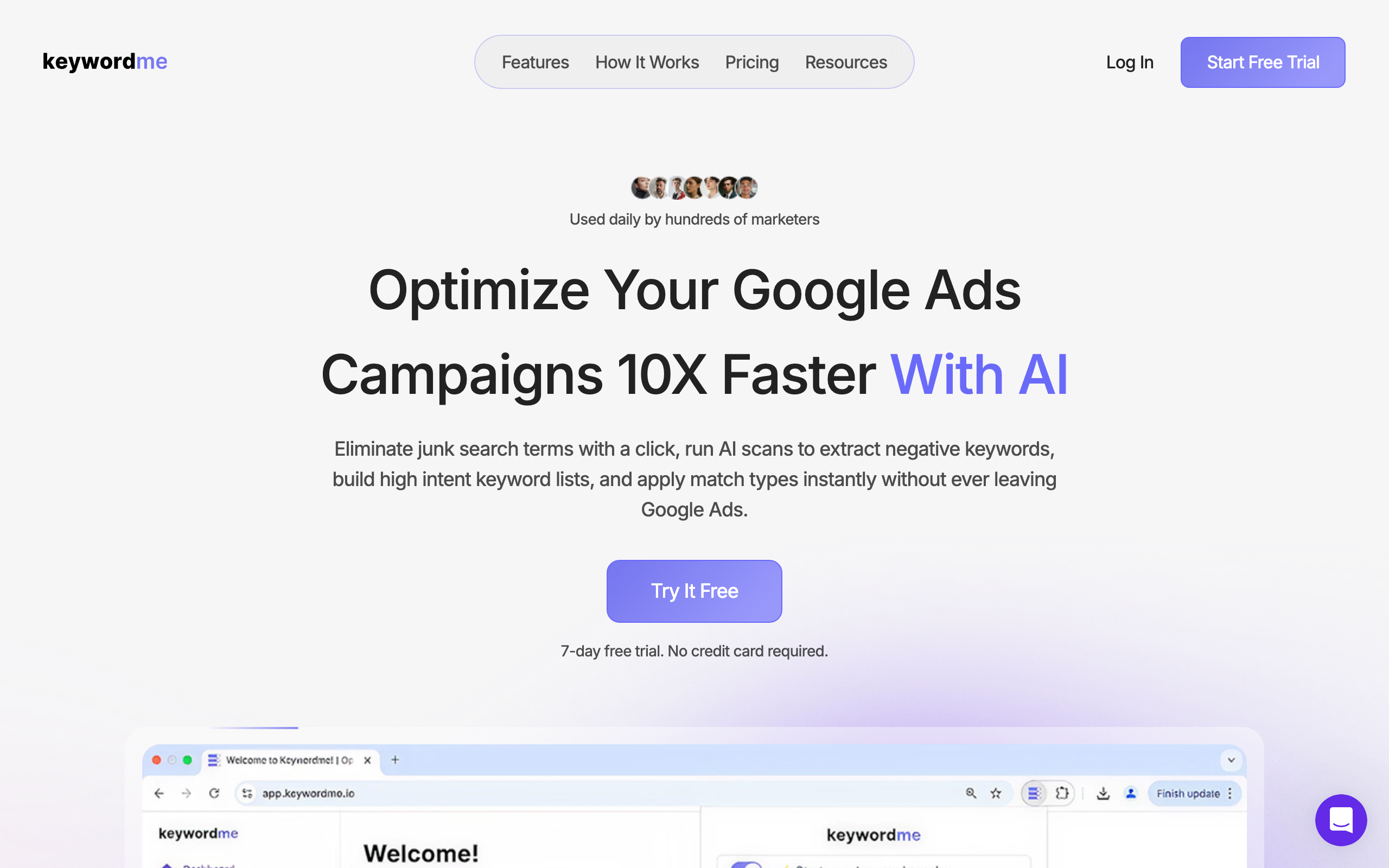
Keywordme is a newcomer to the Google Ads “toolbox”, but their tool does one thing exceptionally well: analyzing your search terms to make finding & applying negatives as painless as possible.
After connecting to your Google Ads account, Keywordme analyzes your search terms data and flags junk queries then allows you to apply them to your campaigns (or ad groups, shared lists) as negatives with one click. Instead of spending hours digging through spreadsheets, Keywordme guides you through a review process to quickly identify queries you want to exclude from your campaigns.
The holy grail of saving time with tools like this is reducing ad spend micromanagement to a regular habit. Keywordme makes reviewing your search terms quicker such that we believe advertisers will actually start reviewing their search terms more frequently. And if you do that? You’ll save time and money.
Key features: Automated junk term identification, bulk apply negatives to campaigns/ad groups/shared lists, integrates with Google Ads, reviews break down by ad group for faster triage
Ideal user: Solo advertisers and small teams that want a lightweight tool focused exclusively on negative keyword management without the bloat of a full optimization platform.
8. PPC.io AI Negative Keyword Tool
Website: ppc.io/blog/negative-keyword-tool
Best for: Free AI analysis of your search term export with clear explanations
Pricing: Free
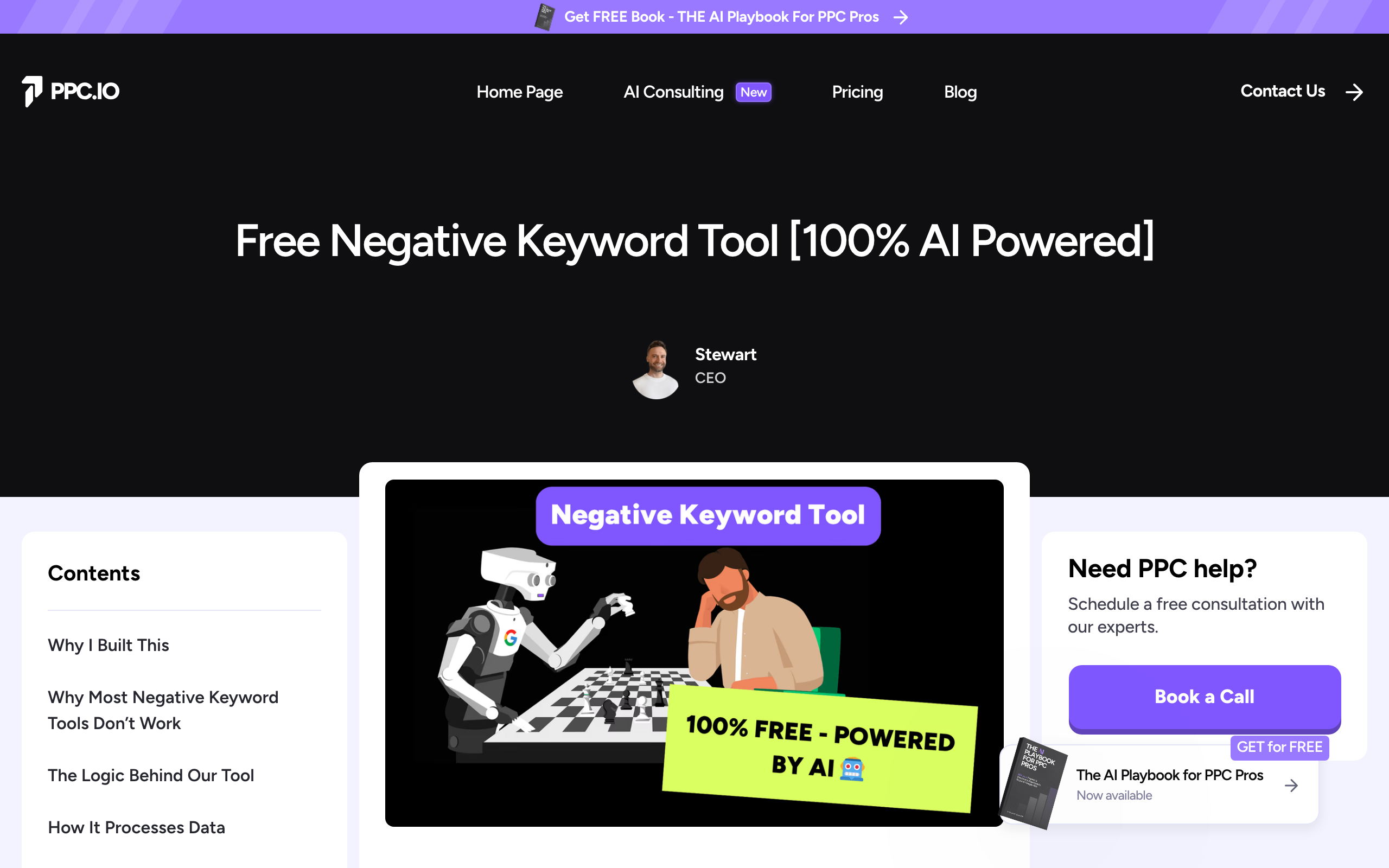
The PPC.io AI-powered negative keyword tool is different than any other tool on this list. Instead of connecting to your Google Ads account, you simply export your search terms report and paste it into PPC.io. From there, you’ll answer a series of questions about your business so PPC’s AI can analyze your landing page to “understand” what your business offers. Next, you upload your search terms report and watch the magic happen.
Thousands of your searches are analyzed by a “three layer AI protection system” that cross checks every recommendation against your services, branding, and target audience. After the analysis is complete, you’ll be presented with wasted terms sorted from “Definite Waste” to “Optimal”. Each recommendation includes an explanation written in plain English with cost context and a CSV ready to upload to your Google Ads account.
TLDR; PPC.io is basically free Cascader with manual steps. Seriously, give it a try yourself before writing it off because it works, and works well. In our testing, PPC.io identified dozens of wasted terms we should have been negating all along in an account we already had over 8k negatives added manually. If you can spare 2 minutes to export and paste your search terms, PPC.io is worth a shot.
Key features: 3 layer AI “protection system”, analyzes your landing page for context, waste categorized so you can quickly sort submissions, CSV export, explanations written in plain English, free!
Ideal user: Anyone who wants a free, incredibly thorough analysis of their search terms. Doesn’t mind exporting and pasting your search term report as the major downside.
9. Sitechecker Negative Keyword Tool
Website: sitechecker.pro/negative-keywords
Best for: Quickly generating basic negative keyword lists
Pricing: Free, with paid plans for more features
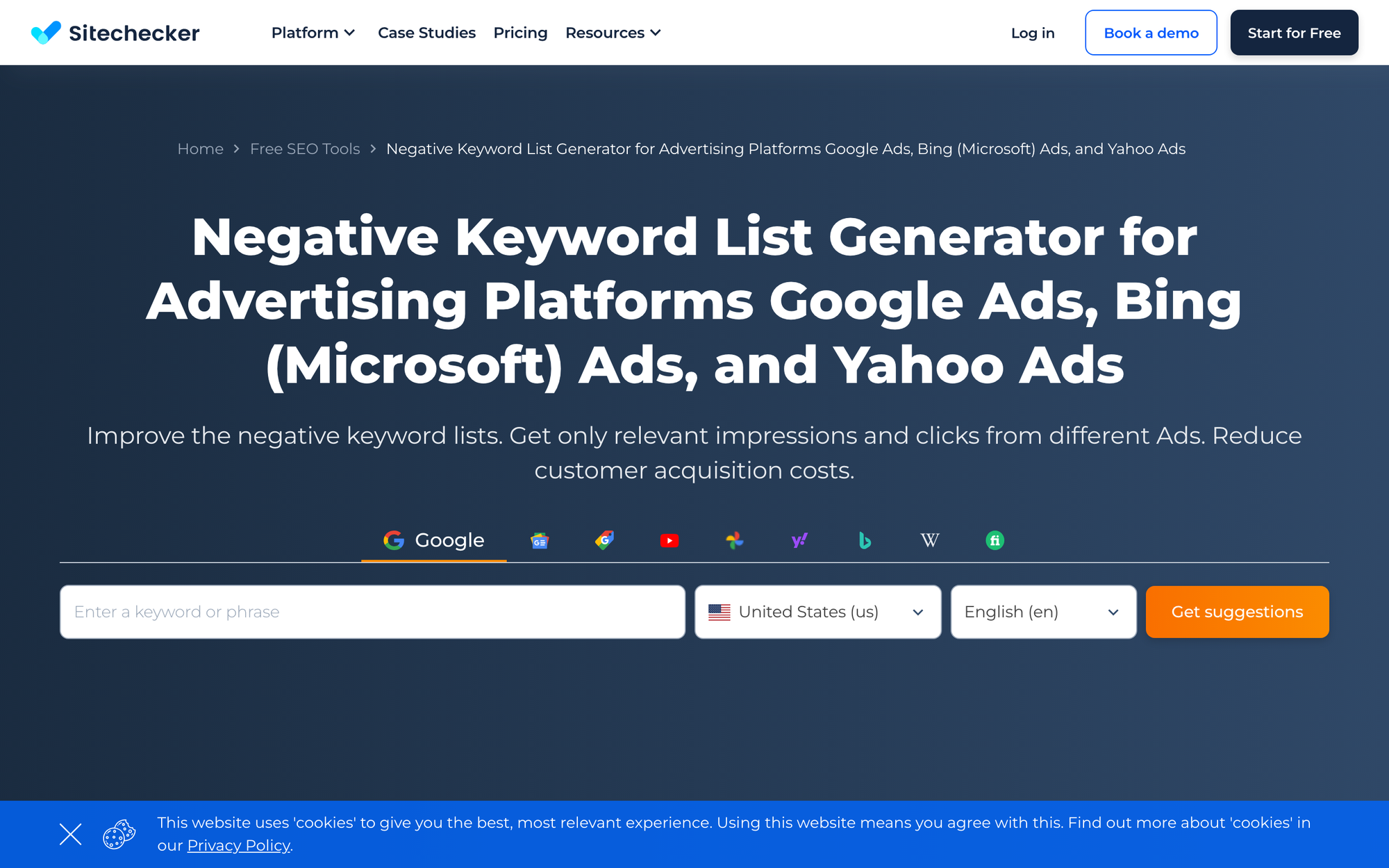
Sitechecker’s Negative Keyword Tool is one of the simplest you’ll find. Enter a seed keyword, and get back a list of terms to potentially exclude from your campaigns. That’s it! There are no insights into your data and no AI providing recommendations based on performance.
While Sitechecker isn’t as robust as the platforms above it, there is definitely a market for simple negative keyword list generators. If you’re just getting started with negative keywords or need to quickly generate a list for new campaigns, Sitechecker gets the job done. It even supports regional targeting for advertisers that run geo-specific campaigns who want to exclude irrelevant locations from their campaigns. Oh, and did we mention it’s free?
Key features: Supports Google, Bing, and Yahoo, regional targeting, seed keyword based suggestions
Ideal user: Beginner PPC’ers that need a simple tool to help build basic negative keyword lists. Something this easy should be free.
10. TenScores
Website: tenscores.com
Best for: Improving Quality Scores while managing your negatives
Pricing: Starts at $39/month
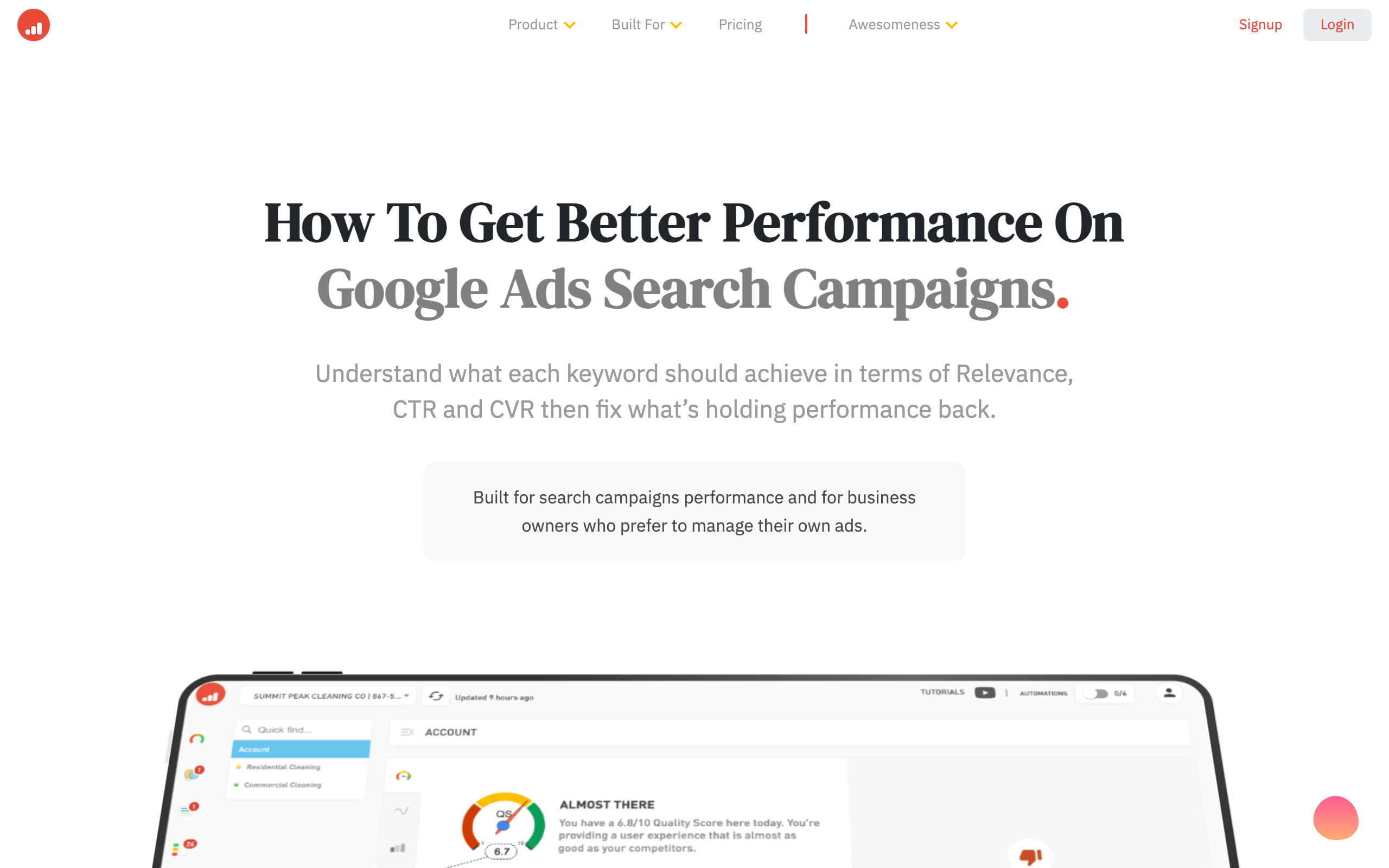
TenScores provides unique value by tying negative keyword identification to Quality Score improvement. Their platform identifies poorly performing searches and n-grams that are bringing down your Quality Scores, then recommends them as negatives. By adding these to your negatives lists, you aren’t just eliminating wasted spend, you’re improving the relevance signals that determine where your ads show and how much you pay.
TenScores connects directly to your Google Ads account and surfaces search term recommendations from both within their negative keywords workspace and keyword discovery features. Matched keywords can easily be transferred from their Keyword Explorer to your negative keywords list. It’s that easy.
Key features: Tracks Quality Scores, recommends negatives from n-gram analysis, integrates directly with Google Ads, easily route keywords from discoveries to negatives list
Ideal user: Google Ads advertisers who would value higher Quality Scores as much as they hate wasting money on poorly performing search terms.
How to Choose the Right Negative Keyword Tool
There is no “one-size-fits-all” when it comes to negative keyword tools. Not every tool will be useful for every advertiser. Here are some things to keep in mind when picking the right tool for your Google Ads campaigns:
1. Connected tools vs. standalone tools
Tools that integrate directly with your Google Ads account can read your actual search terms data and apply negatives for you. Tools that act as standalone “negative keyword generators” can only help you build lists that you must manually implement yourself. Connected tools have more bang-for-your-buck when working with active Google Ads accounts.
2. Hands-off vs. hands-on
Do you want a tool that does all the work for you and fixes problems with one click, or do you prefer having complete control and making every decision yourself? Tools that offer scan-review-apply functionality and scheduled scan monitoring are best for advertisers who want to fully automate negative keyword management. If you like to be hands-on, look for a tool with more granular controls.
3. Single account vs. agency scale
Solo accounts with one or two campaigns can use simple tools with less functionality. Agencies that service multiple clients through a single MCC need tools that support analyzing multiple accounts at scale (like Optmyzr or Cascader).
4. Invested or not
Don’t forget free tools exist! While having your tool integrate directly to your Google Ads account is nice, not every advertiser can justify the cost. WordStream and Karooya (under $10K spend) are great free options. That said, once your Google Ads spend gets high enough, your wasted budget should more than pay for a solid tool. Don’t be afraid to invest in your ads if you need to.
5. Google Ads only? Or Google and Bing?
The majority of negative keyword tools only support Google Ads. If you also run campaigns on Microsoft Ads, make sure the tool you choose supports it too. Right now, Karooya is the best option for managing negatives on both Google and Microsoft.
Frequently Asked Questions
Can I use negative keyword tools for Google Performance Max campaigns?
Yes! Google recently announced support for up to 10k negative keywords per Performance Max campaign. Tools like Cascader, Opteo, and Optmyzr can help you identify which queries should be excluded from your PMax campaigns.
Should I be optimizing my negative keywords?
Absolutely. Reviewing your search terms reports and updating your negative keyword lists is one of the highest ROI activities in Google Ads. If you’re not doing it already, you should be.
How often should I apply new negatives to my campaigns?
Minimum monthly, though we recommend weekly for high-volume accounts. To make the process painless, use a tool that offers scheduled scanning so reviewing your search terms becomes a routine part of your workflow.
What’s the difference between a negative keyword manager and a negative keyword generator?
Negative keyword generators help you build lists to apply to your campaigns before you have any performance data. Negative keyword managers connect to your live Google Ads account and analyze your actual search terms data to help you identify wasted spend.
Conclusion
There you have it – our best negative keyword tools for Google Ads of 2026. Implementing a solid negative keyword strategy is the most effective way to reduce wasted spend in your Google Ads account, but unfortunately it doesn’t happen naturally. Keyword tools take away the guesswork of determining which terms are wasting budget and allows you to focus on improving your campaigns that matter.
For most advertisers, the biggest decision you’ll make is between a simple free tool to help build your initial negative lists, or a connected tool you can use to optimize your lists on an ongoing basis. If you run $100/month in Google Ads, by all means use a free tool. For everyone else with any sort of meaningful spend in their Google Ads account, investing in a tool will pay for itself many times over in recoverable spend.