
10 Best Google Ads Automation Tools in 2026

If you’re still running your Google Ads account manually in 2026, you’re like a homeowner who insists on hand-washing dishes when you have a dishwasher sitting in your kitchen. You can do it, sure. But why would you want to?
Search term reviews. Bid adjustments. Budget pacing. Ad testing. All the routine monitoring and maintenance that goes into preventing campaigns from hemorrhaging cash over a weekend. There’s just too much to keep up with for most teams to effectively manage at scale — manually.
Google Ads automation tools are meant to free up your time by handling the repetitive busywork so you can focus on higher-level decisions that actually require a human touch. Some focus on automating bids. Others scan search terms and clean up your negatives. A few try to do both simultaneously. We put the most popular tools through their paces and ranked them based on what they actually automate, how much manual work you’re still responsible for, and whether they provide real time savings or simply create more work of a different kind.
A Quick Look at the Best Google Ads Automation Tools
1. Cascader
Website:
cascader.io
Best for: Automating search term reviews and negative keyword cleanup like everyone knows they should but nobody has the time to do manually
Pricing: Paid plans for connected accounts; free landing page scan available
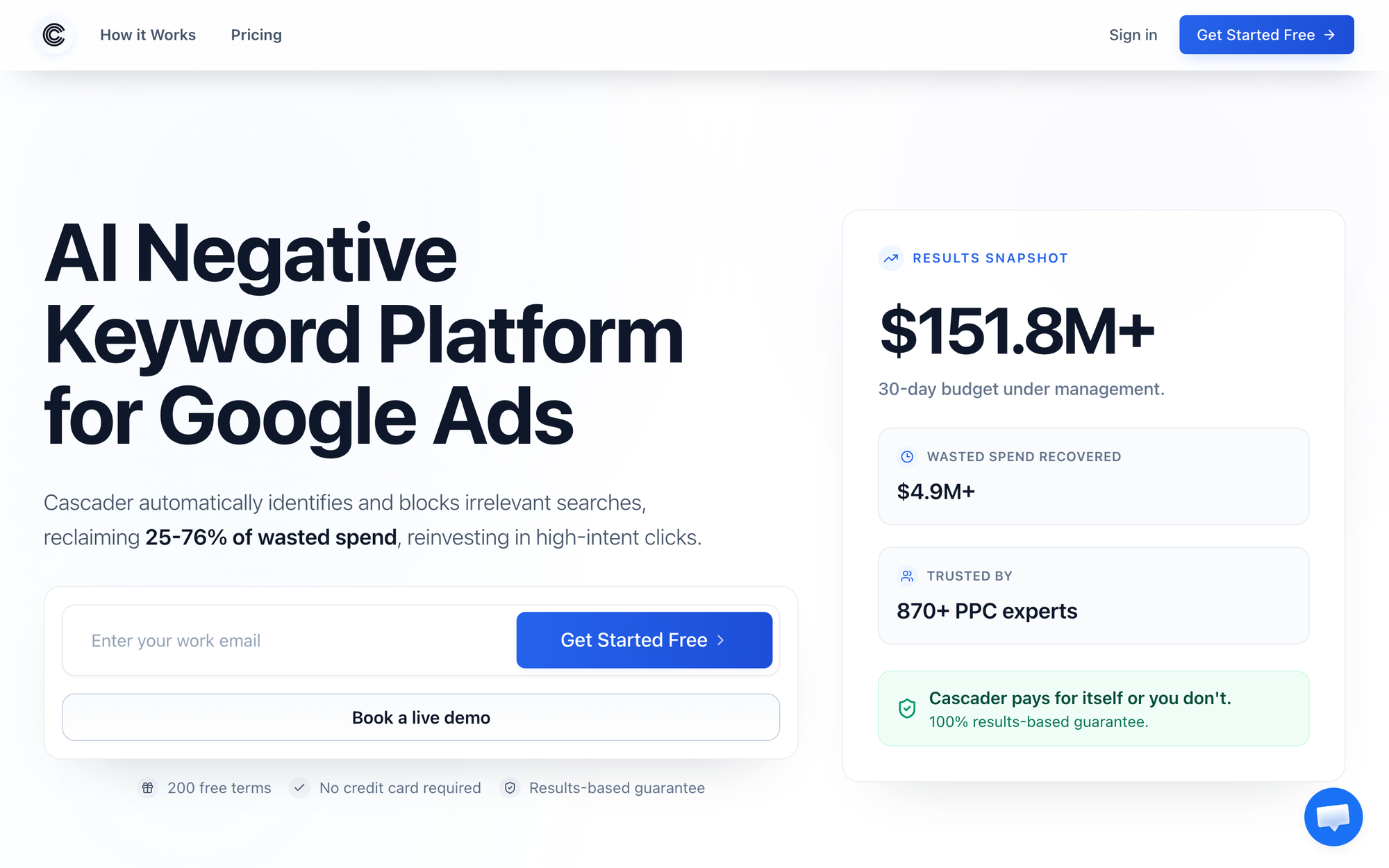
Asking PPC managers what they should be doing more of and “review search terms” will likely be near the top of everyone’s list. Ask them when they last did it properly and got a comprehensive list going from 0-100%, and you’ll hear a sheepish pause. It’s not that people don’t realize how important the process is. It’s that it’s boring as hell to do by hand.
Cascader automates the process from top to bottom. Connect your Google Ads account to the platform, run a search term scan, and watch as Cascader’s AI scans your search terms for problematic queries. Each recommendation comes with a written explanation detailing why this query is wasting money so you’re not just blindly applying suggestions made by some algorithm. Approve the changes you agree with and they instantly apply those negatives to your campaigns, ad groups, or shared negative lists.
What makes Cascader truly hands-off is scheduled scanning. Instead of running scans once and hoping you come back to apply recommendations at a later date, you schedule scans for however often you want. See wasted spend before it snowballs? That’s how Cascader works. The platform starts in read-only mode and won’t make any changes to your account until you approve recommendations. Everything Cascader applies is synced to your Google Ads change history when it’s applied.
What it automates: Automated search term scanning, wasted spend detection, identifies negative keywords to add, applies recommendations to campaigns/ad groups/shared lists with one click, scheduled recurring scans
What still needs a human: Recommendation approval (by design), campaign strategy, manual bid adjustments, creative work (writing ad copy)
Ideal user: Anyone spending $10K+/month in Google Ads who hates managing negative keywords
2. Optmyzr
Website: optmyzr.com
Best for: Agencies that need customizable rule automation that scales across dozens, or even hundreds, of client accounts
Pricing: Starting at $249/month
Optmyzr is the multi-tool of PPC automation. Their flagship Rule Engine allows you to create intricate, multi-condition rules that monitor client accounts and automatically make changes when those conditions are met. Pause all keywords making above your CPA threshold? Shift budget from underperforming campaigns to ones crushing their goal? Increase bids on Mondays and reduce bids on Fridays? You can build a rule for anything you can define in a logical formula, Optmyzr can execute it.
In addition to automated rules, Optmyzr offers one-click optimizations (recommendations you approve in bulk), Traffic Sculptor for negative keyword routing, Shopping campaign optimizations, PMax insights, and more. Sidekick, an AI assistant that provides recommendations in plain English using natural language processing, is also part of the suite. For agencies running 10+ accounts through MCC, a tool like Optmyzr isn’t just nice to have. It’s required if you don’t want things to fall apart.
What it automates: Automated rule-based bids/budget adjustments, adding/removing/restructuring keywords, scheduled reporting (automated changelog), budget pacing, shopping campaign optimizations, one-click optimizations
What still needs a human: Writing rules, reviewing recommendations, overall strategy, creative development
Ideal user: PPC agencies and enterprise teams managing $50K+/month across clients
3. Opteo
Website:
opteo.com
Best for: Everyone who doesn’t want to write their own automation rules
Pricing: Starting at $129/month; 14-day free trial
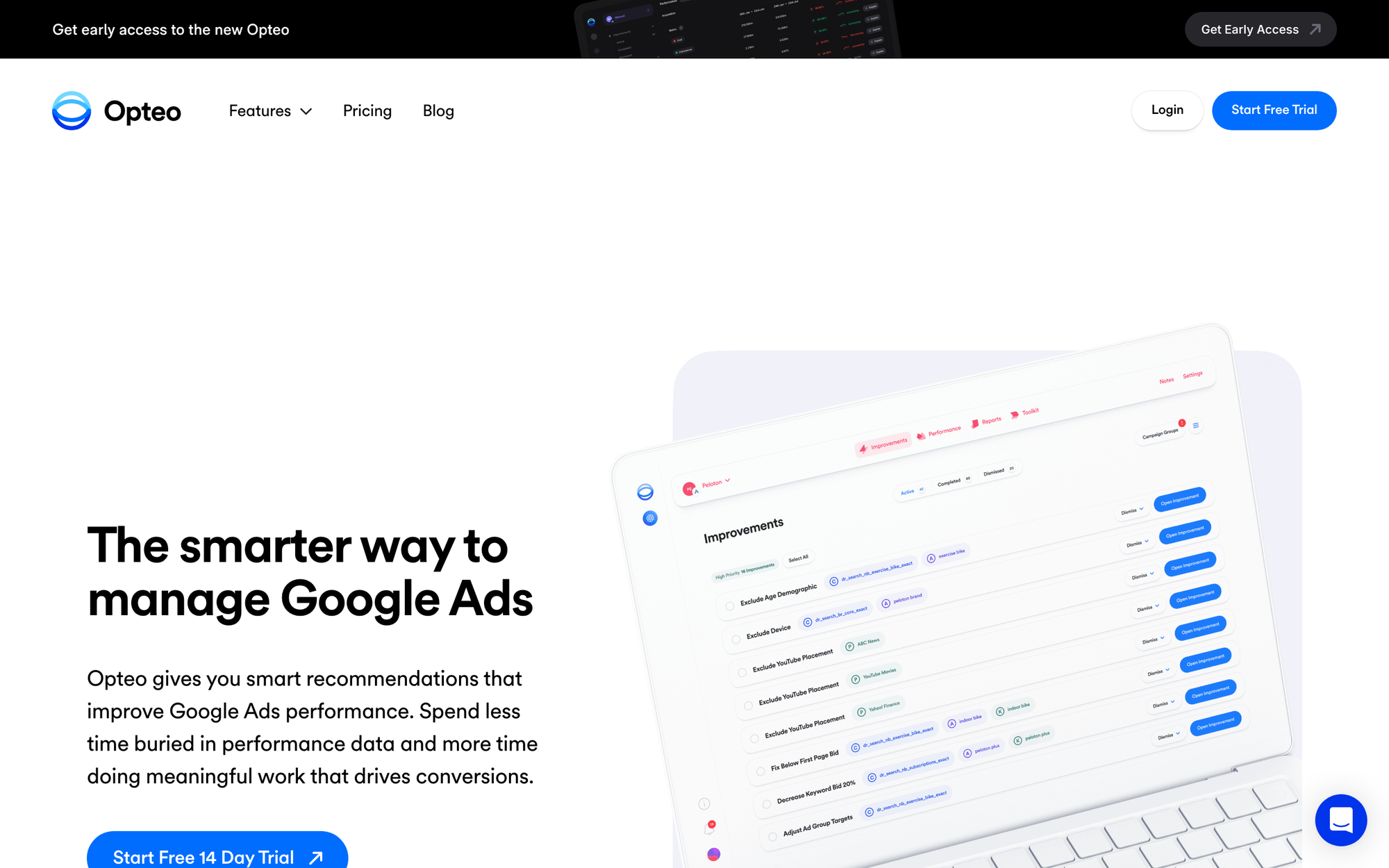
Not everyone wants to learn how to build custom automation rules. Some users simply want to log into a tool, see the three most impactful optimizations for their account based on their current campaigns, and click approve. Opteo does just that.
Opteo continuously audits your Google Ads account, identifies and ranks over 40 different optimization recommendations by projected impact. Bid adjustments? Negative keyword additions? Budget shifts? Let Opteo handle it. Simply review the recommendations it makes, click approve, and move on to more important work. What used to take hours of troubleshooting and number crunching now takes minutes. Opteo won’t make any changes without your approval, but it does eliminate that pesky analysis work that takes up most of your time.
What it automates: Performance audits, generates recommendations, ranks recommendations by priority, applies recommendations with one-click approvals, automated reporting
What still needs a human: Approving recommendations, strategy, creative development
Ideal user: Small to mid-size teams that want actionable recommendations without having to learn how to build custom automation rules
4. Adalysis
Website: adalysis.com
Best for: Advertisers that know they should be testing ads but simply don’t have the time to do it manually
Pricing: Starting at $99/month
We all know we should be testing ads more. Like, all the time. We’re not. Advertisers aren’t testing enough because there simply aren’t enough hours in the day. Tracking which ad variations are currently running across how many ads, waiting long enough for statistical significance, pausing the underperformers, creating new challengers. Rinse and repeat.
Adalysis wants to automate as much of that process as possible. Let the tool identify underperforming ads for you. It will even notify you when your tests have reached significance and provide recommended copy to test next. Aside from automated ad testing, Adalysis offers Quality Score monitoring, anomaly alerts, and pre-built optimization checklists to follow when weekly/monthly reviewing accounts. Built by PPC professionals for other PPC professionals who’ve been screwed over by their own messy ads copy clutter.
What it automates: Ad variation testing, detects when testing has reached statistical significance, monitors Quality Score, anomaly detection, task checklists for weekly/monthly optimizations
What still needs a human: Writing ad copy, overarching strategy, bid management
Ideal user: PPC professionals running accounts with large ad volumes that need help testing ads consistently without manual spreadsheet jockeying
5. TrueClicks
Website: trueclicks.com
Best for: Automated account monitoring to alert you when something is breaking in your Google Ads accounts
Pricing: Starting at $39/month
Can’t remember the last time you caught a broken conversion tag before spending hundreds on a campaign that wasn’t tracking conversions? Or a campaign that somehow ran through triple its budget while you were asleep one Saturday? TrueClicks was built to ensure that you never let things slip through the cracks again.
TrueClicks runs continuous automated audits of your account. Flagged issues include budget pacing, conversion tracking failures, campaign misconfiguration, performance anomalies, and more. For agencies specifically, TrueClicks acts as an additional quality control layer you can apply to every account you manage. At just $39/month it’s also the cheapest solution on this list.
What it automates: Automated account monitoring, audits that flag anomalies, alerts when budget is pacing faster or slower than desired, tracks conversion tagging issues, monitors for campaign configuration issues
What still needs a human: Actually going in and fixing the issue(s) it flags, creative development, overarching strategy
Ideal user: Agencies that need to automate account monitoring without having to manually review every client account each week/month
6. Revealbot
Website: revealbot.com
Best for: Teams running cross-platform campaigns needing a tool that can handle automation rules for Google Ads, Meta, TikTok, and Snapchat
Pricing: Starts at $99/month
Advertising across Google Ads, Meta, TikTok, and Snapchat is great for reach, but when you’re managing rules natively in each platform you’ll quickly lose your mind. Don’t make WordPress websites with shitty plugins. Don’t automate rules without a tool like Revealbot.
Revealbot’s rule builder is powerful and completely visual. Create rules based on any logical combination of metrics. Define what actions should be taken when those conditions are met (pause ad, adjust bid up or down, shift budget, send alert). Set when rules should be triggered, and Revealbot will execute them. You can even set up notifications within Slack or have the tool send email updates any time an automated action is triggered. Detailed. Specific. Everything you could ask for if your clients demand cutting-edge multi-platform campaigns.
What it automates: Automated rules for Google Ads bidding/budget adjustments based on performance, trigger scaling rules, send Slack/email alerts when actions have been fired
What still needs a human: Building the initial campaigns, ad creative, reviewing the journey and making strategic decisions based on the results
Ideal user: Multi-channel advertisers who need a single platform/rules engine to handle automation so you don’t have to manage three different sets of rules everywhere
7. WASK
Website: wask.co
Best for: Small businesses and those new to PPC who want an easy-to-use tool that doesn’t require a steep learning curve
Pricing: Free plan available. Paid plans for access to advanced features.
Okay, so TrueClicks isn’t actually for YOU. We swear. Meet WASK, a Google Ads + Meta Ads automation tool built with beginners and small businesses in mind. There’s no steep learning curve to contend with and it automates a handful of tasks most beginners will find invaluable. Think AI bid optimization, automated audience building, and performance alerts.
Want alerts when something goes wrong before your budget has been severely damaged? WASK’s AI does everything in monitoring your account and will notify you ASAP of irregularities. Hate teaching yourself how to manage Meta Ads campaigns? It does Google Ads + Meta Ads. Like the idea of AI driven bid optimizations that learn over time? It’s there too. WASK has a free plan if you want to see whether Google Ads automation tools are actually worth your time. It’s the lowest-risk tool on our list.
What it automates: AI bid automation, automated audience building, performance alerts, manages campaigns on both Google + Meta Ads
What still needs a human: Building the campaigns you want it to optimize, creative work, overall strategy
Ideal user: Small businesses and marketing generalists that need Google Ads + Meta Ads automation they can set it and forget (until it alerts you something’s up)
8. Shopstory
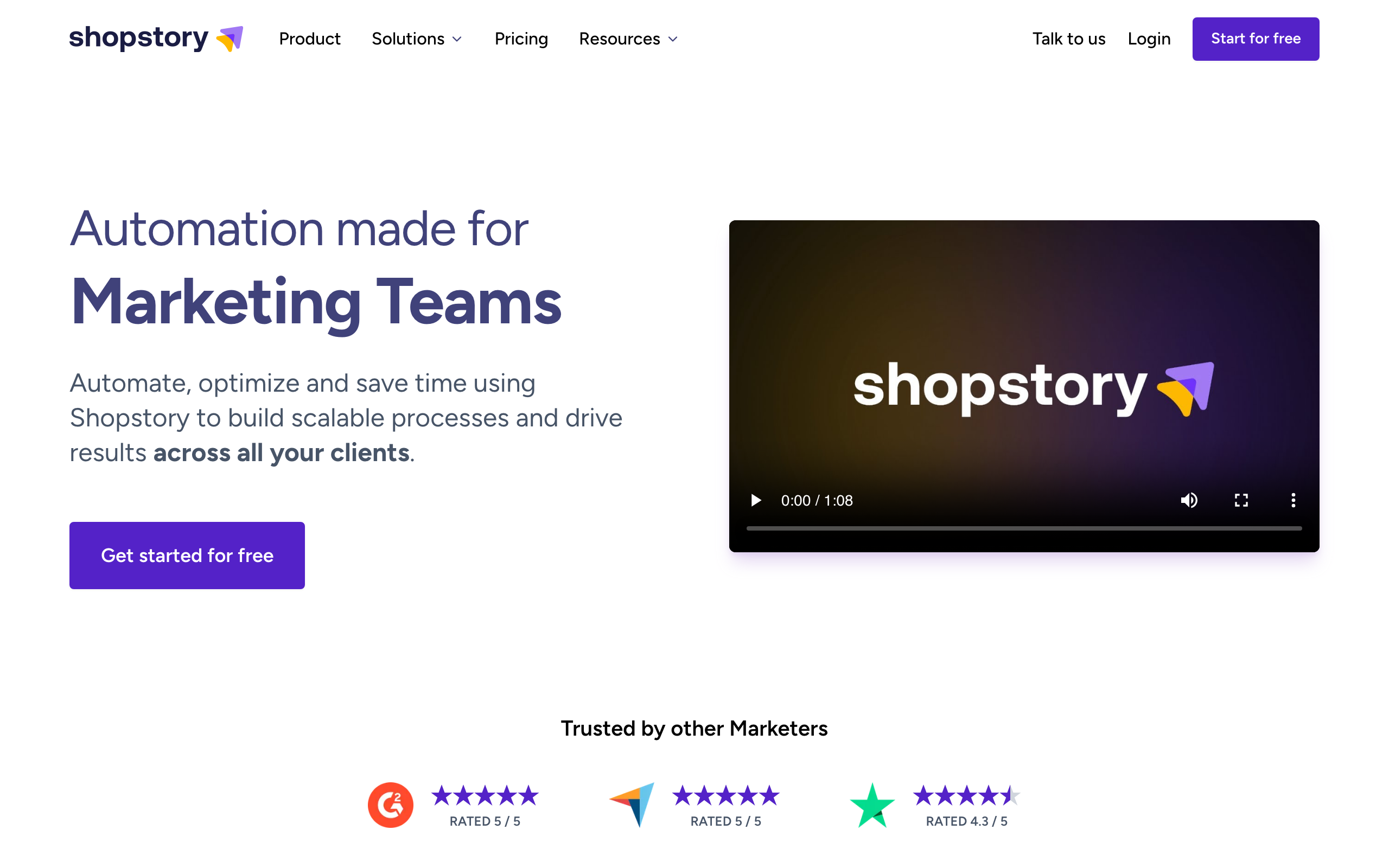
Website: shopstory.ai
Best for: Ecommerce brands that need help building automated rules for product feeds, budget allocations, and Shopping/PMax campaigns
Pricing: Plans start at €199/month
Shopstory lives up to its name. It was literally built for ecommerce advertisers who need help building and maintaining rules that no team should ever have to handle manually. Product feeds. Budget rules. Category/product seasonal adjustments. If it pertains to optimizing your Google Shopping campaigns or PMax advertisements, Shopstory can automate it.
Connecting your product catalog to your ad campaigns, Shopstory applies automated rules to help you manage your feed. The tool will also automate budget adjustments based on rules you set. The hardest part of running ecommerce Google Shopping campaigns is often managing your product feed. Shopstory’s wholly dedicated feed optimization takes the manual labor out of keeping your product catalog fresh so you can focus on managing the ads themselves.
What it automates: Automated product feed management, Shopping/PMax budget rules, performance alerts when issues are detected, two-way syncs feeds to your ads
What still needs a human: Actually developing the products you want to sell, campaign structure, creative assets
Ideal user: Ecommerce brands that spend significant amounts on Google Shopping and/or PMax who need their feeds being just as proactive as their ads are
9. Adspert
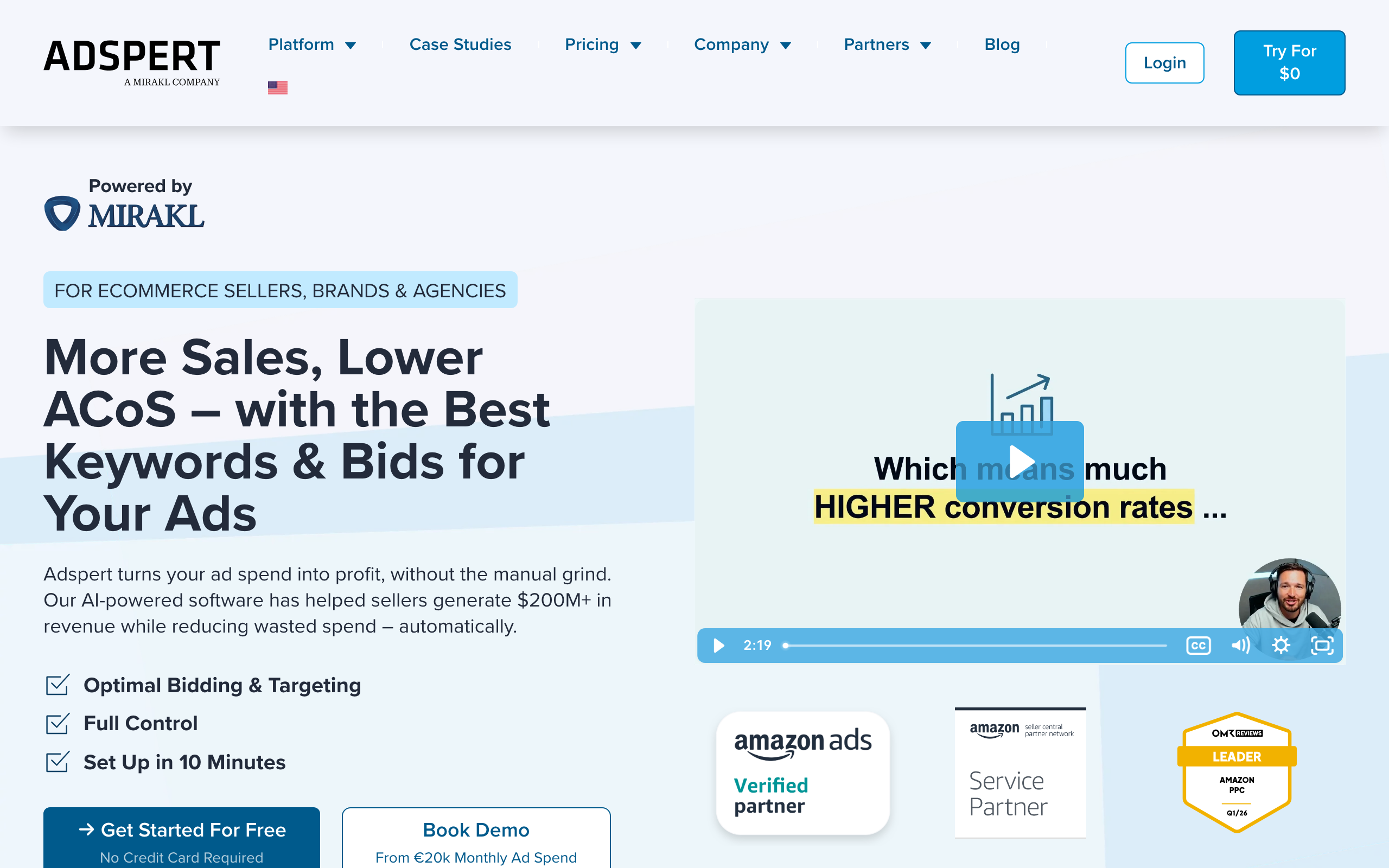
Website: adspert.net
Best for: Automated bid optimizations across Google Ads, Amazon Ads, and Microsoft Ads from a single platform
Pricing: Custom pricing available. 30-day free trial.
Bid optimization nerds, look no further. Adspert focuses on one thing, and one thing only: Automated bid optimization. The difference is instead of optimizing bids inside Google’s walled garden, Adspert helps you manage bids across Google, Amazon, and Microsoft all from one platform.
Adspert’s AI continuously analyzes bid performance by probability to convert, real-time campaign performance, and competitive landscape to optimize bids. Need help spreading your budget across Google Ads and Amazon? Adspert has you covered.
What it automates: Automated bid optimization (including budget allocation) across Google Ads, Amazon Ads, Microsoft Ads; Performance-based bid adjustments
What still needs a human: Building the initial campaign and ad structure, researching/producing keywords, creative work (writing ads)
Ideal user: Multi-channel advertisers that need AI driven bid management, specifically those who advertise on Google Ads + Amazon
10. Google Ads Scripts
Website: developers.google.com/google-ads/scripts
Best for: Technical teams that have the JavaScript chops to create custom automation tailored to their specific needs
Pricing: Free
The big guy. DIY option. If you have the technical skill to write JavaScript, Google’s Ads Script platform allows you to custom automate literally anything you can connect to via the Google Ads API. Scan search terms? Automatically append negatives. Conversion CPA goes above X? Send alert to your Slack channel. Create custom weekly/monthly reports that automatically run on a schedule. The limits here are strictly based on your scripting abilities.
There’s a reason we saved scripts for last. Anyone who’s used them knows why. Unless you have dedicated developers maintaining your scripts or someone on the team that is proficient with JavaScript, it’s never been worth the headache. They break the moment Google updates their API. Hell to troubleshoot when that happens. Overwhelming for teams that lack technical skill. But if you have those resources? Google Ads Scripts is the 11th tool on this list.
What it automates: Literally anything. Bid rules, audits, search term scanners, budget monitoring, custom alerts & reports
What still needs a human: Writing the actual scripts, fixing scripts when Google updates the API, everything non-scriptable
Ideal user: Ads teams with developers on staff or strong technical chops who need fully custom automation and don’t mind investing time into something most teams can’t sustain
How to Pick the Right Google Ads Automation Tool for Your Team
No two tools on this list automate the exact same things. While we dug deep to provide you with an unbiased breakdown of everything each tool can (and can’t) do, your individual needs will determine which tool is best for your team.
Does wasted spend keep bleeding your budget dry?
Start with Cascader. There’s a reason automated search term scanning/negative keyword addition is the number one recommended automation use-case for most advertisers. It immediately stops your campaigns from burning money on keywords you don’t want to target.
Do you run 10+ accounts and need rules that scale?
Optmyzr is king when it comes to customizable rules that can be applied to multiple accounts. Too complicated? Opteo offers the same prioritized recommendations without requiring you to understand how to build rules.
Have your ads gone untested for months on end?
Adalysis was made to automate your ads testing. Running RSAs on every ad group you manage is nobody’s idea of a good time, but until someone figures out a way to auto-write ad copy… automated ad testing is your only option.
Are you constantly discovering money leaks after the damage is done?
Tools like TrueClicks can automate the monitoring/accounts health portion of your workflow so you know when stuff is breaking before it ruins your budget. Shop around – a lot of tools offer account monitoring features these days.
Do you manage campaigns on Google AND Meta (or TikTok, Snapchat)?
Cross-platform tools like Revealbot and WASK can manage your rules in multiple places. Just one? Start with WASK, their free plan is insanely robust.
Still Have Questions?
What are Google Ads automation tools?
Software platforms that automate tasks involved in managing Google Ads campaigns. From bid management, to budget pacing, to search term analysis, third-party tools take the repetitive busywork out of managing campaigns at scale.
Will automation eliminate the need to manage my account?
No. Not even close. There’s still a ton of strategy required when it comes to campaigns. Namely things that (for the most part) can’t be automated: overarching strategy, audience targeting decisions, ad messaging, budget allocation across campaigns. Heck, most tools can’t even automate granular business-specific optimizations like analyzing which products should have their bids boosted based on margin. That’s on you. Automation takes care of the busywork that doesn’t require thinking about your business. Focus on the stuff that does.
Sounds expensive. How much do these tools cost?
Price ranges vary from the free (Google Ads Scripts, WASK), $39/month (TrueClicks), $249+/month (Optmyzr), to custom negotiated enterprise pricing (Adspert, Skai). Free trials are pretty much universal. If a tool saves you more time and money than it costs, it’s doing its job.
I run Performance Max campaigns. Can I still use these tools?
You can and should. At this point, pretty much every tool offers at least some level of support for Google Ads Performance Max campaigns. Optmyzr has the most comprehensive set of features when it comes to optimizing PMax right now. Cascader also offers some support for cleaning up negative keywords inside your PMax campaigns. That said, not every tool updates at the same rate. Check each platform’s current compatibility with Performance Max campaigns before signing up.
What about automation features that are built into Google Ads?
Yes. Google’s built-in automation (Smart Bidding, automated rules, Performance Max) only works within Google. Think of third-party tools as adding layers Google won’t. Cross-platform rule management, custom rule builders (that don’t suck), search term scanning/negative addition, ad copy testing, the ability to hook into your own business/data for use cases Google will never cover (margin-based bid optimizations, lead scoring, identifying high-value customers).
The Verdict
Do you need Google Ads automation tools? If you’re running campaigns on Google you damn well better be using at least one. A tool that automates search term scanning/negative keyword addition is the absolute least you should be running. Everything else is just icing on your account’s cake.
You don’t need every tool. In fact, that’ll likely spread you too thin and cause you more headaches. Evaluate your weaknesses. Find a tool that fixes them. Rinse and repeat until your workflow is so tight, Boeing would be jealous.